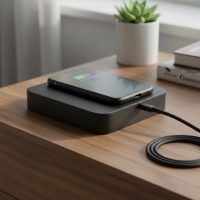
In the ever-evolving world of tech, the idea of a truly wireless experience is often at the forefront of our minds. We seamlessly charge our phones and earbuds by simply placing them on a pad, so it’s natural to wonder: where’s the wireless iPad charger? Many users dream of the day they can drop their iPad on a mat and watch the battery percentage climb without a single cable in sight. However, the reality of wireless charging for your iPad is a bit more nuanced than for your iPhone. As a seasoned expert from Rbxyz.com, with over a decade in the wireless charging arena, I’m here to unpack the current landscape, bust some myths, and guide you through the exciting, albeit sometimes complex, options available today.
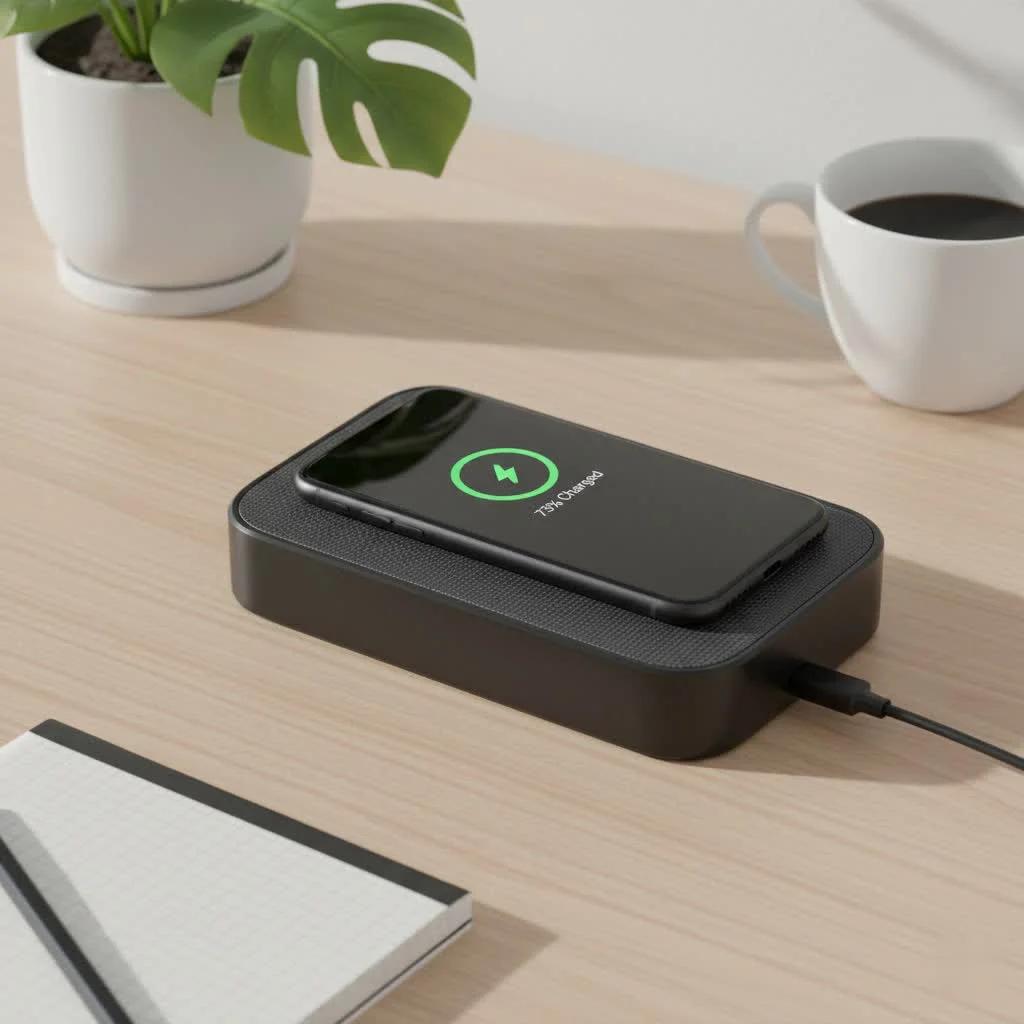
The Truth About iPad Wireless Charging: No Native Qi
Let’s cut straight to the chase: as of today, no iPad model officially supports native Qi wireless charging right out of the box. This often comes as a surprise, especially since iPhones have embraced this technology for years. While you might find products marketed as “wireless iPad chargers,” these typically refer to standard Qi pads that can be used with compatible accessories, not the iPad itself directly. For compare top wireless chargers on this site.
Why Isn’t My iPad Wirelessly Chargeable Out of the Box?
Several factors contribute to Apple’s decision to forgo native Qi charging on iPads:
1. Aluminum Backs Impede Induction: Unlike many iPhones that feature glass backs, iPads are predominantly constructed with aluminum. This metallic casing, while durable and aesthetically pleasing, is a significant barrier to the electromagnetic induction required for standard Qi wireless charging. Qi technology relies on coils creating a magnetic field, and metal interferes with this process, making efficient power transfer difficult, if not impossible.
2. Larger Battery Capacity and Power Requirements: iPads, being larger devices, house considerably bigger batteries than iPhones. Standard Qi wireless charging, while convenient, typically operates at lower wattages (e.g., 5W, 7.5W, 10W, 15W). Charging an iPad’s substantial battery at these speeds would be a painfully slow process, taking many hours and likely leading to user frustration. Apple traditionally prioritizes fast and efficient charging for its larger devices.
3. Apple’s Design Philosophy and Existing Charging Solutions: Apple has historically favored wired charging via the Lightning port (on older models) and now USB-C, which offers much faster charging speeds. Additionally, for certain iPad Pro and iPad Air models, the Smart Connector provides a robust and reliable power and data interface for accessories like keyboards and specialized docks. Integrating Qi might complicate these existing, well-established ecosystems.
Ingenious Workarounds: Achieving a “Wireless” iPad Charging Experience
Just because your iPad doesn’t have built-in Qi doesn’t mean you’re entirely out of luck for a cable-free experience. The market has responded with several clever solutions that enable a form of “wireless” iPad charging.
Wireless Charging Receiver Adapters: The Plug-and-Play Solution
|
Our Picks for the Best Wireless Charger in 2026
As an Amazon Associate I earn from qualifying purchases.
|
||
| Num | Product | Action |
|---|---|---|
| 1 | Wireless Charger Samsung Fast Charging Pad for Samsung Galaxy S25 Ultra/S24 FE/S23 Ultra/S22/S21/Z Flip 6 5,15W Wireless Charging Station Charger Mat and QC Adapter for Google Pixel 9 8a 7a 8 7 Pro |

|
| 2 | LỖI |
|
| 3 | Samsung 15W Wireless Charger Single, Cordless Super Fast Charging Pad for Galaxy Phones and Devices, Compact Design, LED Indicator, USB C Cable Included, 2022, US Version, Grey |
|
| 4 | INIU Wireless Charger, 15W Fast Qi Certified Wireless Charging Station with Sleep-Friendly Adaptive Light Compatible with iPhone 17 16 15 14 13 12 Pro Max Samsung Galaxy S25 S24 S23 Note 20 Google etc |
|
| 5 | [Apple MFi Certified]Magnetic Wireless Charger Apple Mag Safe Charger,15W 6FT Fast Wireless Charging Pad for Apple iPhone 16 Pro Max/16 Pro/16 Plus/15 Pro Max/14/13/12/AirPods3/2/Pro/Pro2,Charging Pad |
|
| 6 | [Apple MFi Certified]Magnetic Wireless iPhone Charger Magsafe Charger,6FT 15W Fast Phone Charging Pad Wireless Magnetic Charge for iPhone 17/17Air/16 Pro Max/16 Plus/15 Pro Max/14/13/12/AirPods3/2/Pro |
|
| 7 | Magnetic Wireless Charger 15W Fast Mag Safe Charger for Cell iPhone 17 Pro Max/17 Pro/17 Air/17/16/15/14/13/12 Series 2 Pack Charging Pad for AirPods 3/2/Pro 2/Pro Mag-Safe Original Replacement |
|
| 8 | NeverFall Car Phone Holder for MagSafe [78+LBS Ultra Grip - 2400gf Magnetic Power] 360° Foldable Car Mount Cell Phone Holders for Your Car for iPhone 17-12 and All Smartphones, Carbon Fiber |
|
| 9 | Amazon Basics 15W Qi Certified Wireless Charging Pad for iPhone 16/15/14/13/12/11/X, Samsung and More, with USB Cable, Black |
|
| 10 | Magnetic Wireless Charger 15W Mag Safe Charger-Fast Charging Pad Compatible with iPhone17/16/15/14/13/12 Series & Airpods 2 3 Pro-LED Mag-Safe Pad with Dual Charging Ports Original Replacement(White) |
|
What are they? These are thin pads, often with an adhesive backing, that plug into your iPad’s Lightning or USB-C port. They contain the necessary receiver coil to convert electromagnetic energy into usable power for your iPad.
How do they work? You simply connect the adapter to your iPad’s charging port, usually tucking the pad discreetly behind the device or inside a case. Then, you place your iPad (with the adapter attached) onto any standard Qi wireless charging pad. The adapter mimics the functionality of a built-in receiver coil, allowing the iPad to charge. This approach effectively bridges the gap between your iPad and a wireless charging pad.
Pros: They are generally simple to use and relatively affordable, turning almost any iPad into a “wireless charging” capable device with minimal effort. This is often the most straightforward way to get started if you already own a Qi pad.
Cons: The adapter often creates a visible cable protrusion from your iPad’s charging port, which might not be ideal for aesthetics or durability. It can also add a bit of bulk and might not always offer the fastest charging speeds compared to wired connections.
Wireless Charging Cases: Integrated Convenience
What are they? These are protective cases specifically designed for iPads that have a wireless charging receiver coil seamlessly integrated into their structure.
How do they work? You simply place your iPad into such a case, and then you can place the entire encased iPad onto a standard Qi wireless charging pad. The case handles the wireless power reception and delivers it to your iPad, often via its charging port or an internal connection.
Pros: These cases offer a much more integrated and aesthetically pleasing solution compared to external adapters. They provide both protection and “wireless” charging capability, giving your iPad a seamless, cable-free look when on a charging pad.
Cons: The selection of these cases can be limited for specific iPad models, and they will inevitably add some bulk and weight to your device. Some cases might also interfere with the use of the Smart Connector or other accessories.
Magnetic Charging Stands: The Smart Connector Approach
What are they? These sophisticated stands are designed to magnetically hold certain iPad Pro and iPad Air models, often leveraging the iPad’s Smart Connector for power delivery. They aren’t “wireless” in the Qi sense, but they eliminate the need to plug a cable directly into the iPad.
How do they work? Compatible iPads snap onto the magnetic stand, and the stand itself has a power cable connected to it. The power is then transmitted to the iPad via the Smart Connector pins on the device’s back. This creates a highly elegant and functional “docking” experience. Some stands also simply provide a secure magnetic mount while using the iPad’s USB-C port for power passthrough. Products like the Kuxiu X33 Pro MAX offer 18W fast charging via the Smart Connector, making them highly efficient for desktop use.
Pros: These stands offer a sturdy, elegant solution, transforming your iPad into a smart display or workstation. They free up your USB-C port for other peripherals and provide a stable, adjustable viewing angle. They are particularly beneficial for users who frequently dock their iPad for productivity or entertainment.
Cons: They are not true Qi wireless chargers. They require specific iPad models with a Smart Connector and the stand itself needs to be plugged into a power outlet. They are also generally less portable than other options.
Proprietary Magnetic Wireless Charging Systems (e.g., Pitaka)
What are they? Some brands, like Pitaka, have developed their own proprietary magnetic charging ecosystems. These typically involve a specialized iPad case that enables magnetic attachment and power transfer to a dedicated charging stand.
How do they work? You fit your iPad with the brand’s specific magnetic case. This case contains the necessary components for magnetic power transfer. The iPad, now in its special case, then magnetically snaps onto a corresponding charging stand or pad, initiating the charging process. Pitaka’s MagEZ Case Pro, for example, features a proprietary magnetic wireless charging design that works with their “Paflow” charger, allowing magnetic charging in various ways. This system often provides a strong magnetic hold and dual charging methods, as Pitaka’s case also supports the iPad’s Smart Connector.
Pros: These systems often offer a very secure magnetic connection and a well-integrated design, creating a truly seamless “snap-and-charge” experience that feels genuinely wireless. They can provide robust charging performance within their ecosystem.
Cons: You’re committing to a specific brand’s ecosystem, requiring both their case and charging stand. This can be more costly upfront and limits your flexibility with other accessories.
The Benefits and Drawbacks of “Wireless” Charging Your iPad
While true native Qi wireless charging remains elusive for iPads, the existing workarounds offer tangible benefits, alongside a few considerations.
Advantages: Embrace the Convenience
- Ultimate Convenience: No more fumbling with cables in the dark or trying to align a connector. Simply placing your iPad on a pad or snapping it onto a magnetic stand starts the charging process. This is especially useful in shared spaces or if you frequently pick up and put down your device.
- Reduced Port Wear: Constantly plugging and unplugging cables can lead to wear and tear on your iPad’s charging port. Wireless solutions minimize this, potentially extending the lifespan of your device’s port.
- Tidier Workspace: A wireless charging setup, whether a pad with an adapter or a sleek magnetic stand, helps declutter your desk or nightstand. One fewer cable means a cleaner, more organized environment.
Disadvantages: What to Consider
- Slower Charging Speeds: Most “wireless” iPad charging solutions, particularly those using Qi receiver adapters, are generally slower than wired charging via USB-C. This means longer charge times, which might not be ideal if you need a quick power boost.
- Added Bulk and Accessories: Achieving a “wireless” experience often requires an extra accessory – be it a receiver adapter, a specialized case, or a magnetic stand. This adds bulk, weight, and another item to carry or set up.
- Heat Generation: Wireless charging, by its nature, can generate more heat than wired charging. While modern chargers and devices are designed to manage this, excessive heat can, over time, potentially impact battery health.
- Cost of Accessories: The specialized cases, receiver adapters, and magnetic stands come with their own price tags, adding to the overall investment in your iPad setup.
“While the dream of genuinely native Qi wireless charging for iPads is still on the horizon, the current crop of innovative accessories has truly transformed how we power our tablets,” says Alex Nguyen, Lead Wireless Technology Analyst at Rbxyz.com. “The convenience they offer for daily use is undeniable, though users should always weigh this against charging speed and the added hardware.”
The Future of Wireless iPad Charging
The landscape of wireless charging is constantly evolving. While Apple hasn’t introduced native Qi for iPads yet, several developments could pave the way:
- New Materials: If future iPads adopt different back materials, like robust glass, it could enable native Qi integration without compromising design integrity.
- Higher Wattage Qi Standards: The Qi standard continues to evolve, supporting higher power outputs. As these become more prevalent and efficient, they could better meet the iPad’s significant power demands.
- Reverse Wireless Charging: It’s plausible that future iPads could gain the ability to wirelessly charge other Apple devices, like iPhones or AirPods, by simply placing them on the iPad’s back. Apple has patented technologies that suggest this possibility.
- Long-Distance Wireless Charging: While still largely in its infancy, true long-distance (over-the-air) wireless charging could one day eliminate the need for pads or stands altogether, offering the ultimate freedom for all devices, including iPads.
The journey towards a truly wireless iPad charger is ongoing, and as technology progresses, we at Rbxyz.com remain committed to keeping you informed about every exciting development.
Frequently Asked Questions (FAQ)
Can I use an iPhone wireless charger for my iPad?
No, not directly. An iPhone wireless charger (Qi pad) can only charge your iPad if your iPad is equipped with a compatible wireless charging receiver adapter or a specialized wireless charging case. iPads do not have built-in Qi receivers.
Is wireless charging bad for my iPad’s battery?
Generally, no. Modern wireless chargers and devices have safety mechanisms to prevent damage. However, wireless charging can generate more heat than wired charging, and consistent excessive heat could theoretically impact long-term battery health. Stick to reputable brands and ensure proper ventilation.
What’s the difference between Qi and magnetic charging for iPads?
Qi wireless charging uses electromagnetic induction to transfer power over a short distance, typically requiring direct contact with a charging pad. Magnetic charging for iPads often refers to solutions that use magnets to securely hold the iPad in place while power is delivered via the Smart Connector or a passthrough USB-C connection on the stand itself, rather than true inductive wireless power transfer to the iPad’s internal coils.
Are all iPads compatible with wireless charging accessories?
Most iPads can be made “compatible” with Qi wireless charging using receiver adapters. However, magnetic charging stands that utilize the Smart Connector are only compatible with specific iPad Pro and iPad Air models that feature this connector. Specialized wireless charging cases are also model-specific.
How fast is wireless charging for iPads?
Wireless charging for iPads, even with accessories, is typically slower than using a wired USB-C or Lightning cable. Wired charging usually offers higher wattage and thus faster power delivery compared to the current “wireless” workarounds. Expect longer charge times when using these methods.
Charge Up Your iPad, Your Way
While the dream of a truly native, grab-and-go wireless iPad charger might still be a whisper in the tech winds, the innovations available today bring us closer than ever. From simple receiver adapters to sophisticated magnetic stands and integrated cases, there are plenty of avenues to explore for a more convenient and cable-free charging experience. Understanding these options empowers you to choose the best “wireless” solution that fits your iPad model, usage habits, and budget. At Rbxyz.com, we believe in making technology work for you, safely and efficiently. So, go ahead, explore the possibilities, and simplify your charging routine!
Get our weekly buyer guide
Practical specs, not advice. Unsubscribe anytime.