Encountering a blinking yellow light on your Samsung wireless charger can be a frustrating experience, often halting your device’s charging progress and leaving you wondering what went wrong. As someone who’s spent over a decade deep in the world of wireless charging technology, I can tell you this isn’t just a random light show. It’s your charger trying to tell you something important about its current state or an issue with your setup. Understanding the meaning behind this specific indicator is the first step to getting your device powered up seamlessly again.
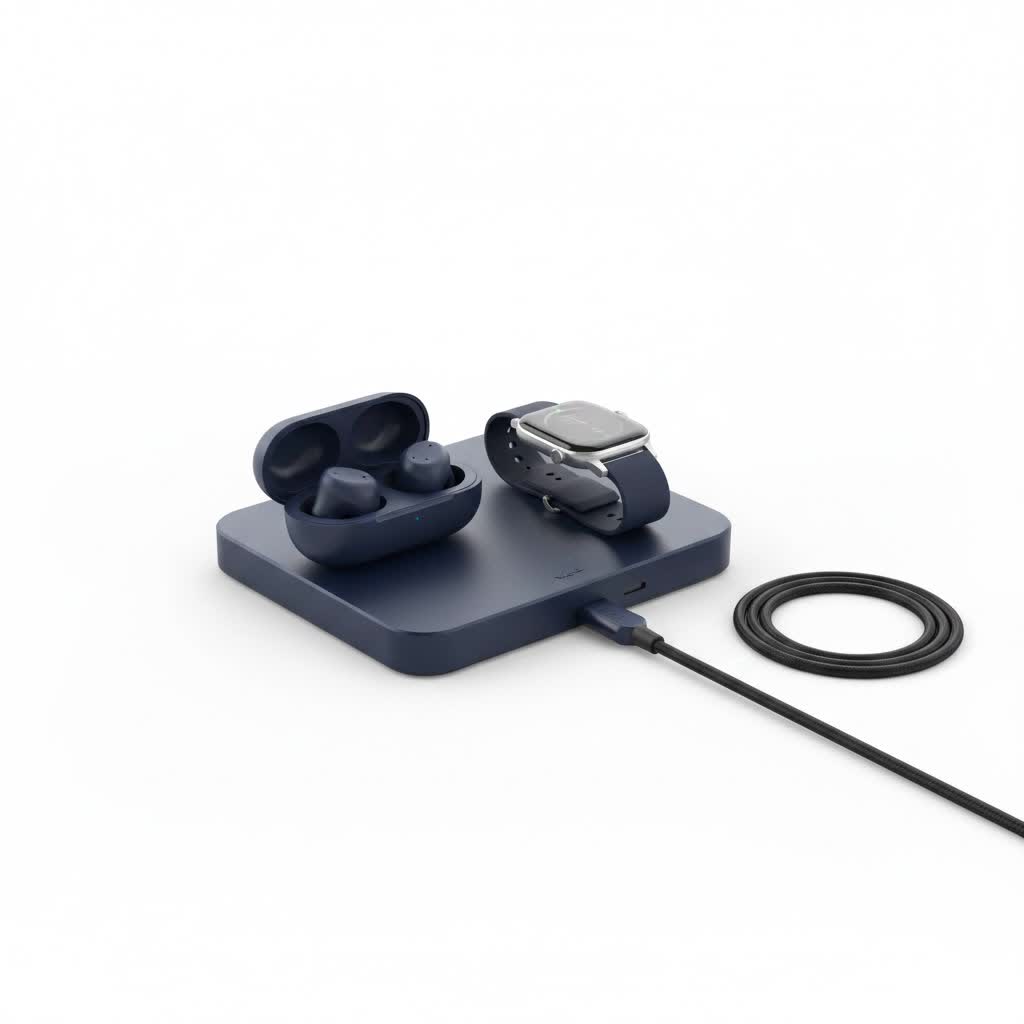
Wireless charging has revolutionized how we power our gadgets, offering convenience and a clutter-free experience. However, like any technology, it occasionally encounters hiccups. The good news is that a blinking yellow light on your Samsung wireless charger usually points to a common, easily fixable problem rather than a catastrophic failure. Let’s dive in and decode what your charger is trying to communicate and, more importantly, how you can swiftly resolve it.
What Does a Blinking Yellow Light on Your Samsung Wireless Charger Mean?
When your Samsung wireless charger starts blinking yellow, it’s typically a diagnostic signal indicating that the charging process is either interrupted, not initiating correctly, or encountering an obstacle. In simple terms, the charger isn’t able to effectively supply power to your device. Unlike a solid blue or green light which often indicates active charging or a full battery, yellow blinking is a warning sign. It suggests an incompatibility, an obstruction, or an issue with the power supply itself. Think of it as a “check engine” light for your wireless charging setup, prompting you to investigate further.
Top Reasons Your Samsung Wireless Charger is Blinking Yellow
From my experience, the vast majority of cases where a Samsung wireless charger blinks yellow can be attributed to a few core issues. Pinpointing the exact cause is crucial for a quick resolution.
Insufficient Power Supply
This is by far the most common culprit. Wireless charging, especially fast wireless charging, demands a consistent and adequate power input. If your charger isn’t receiving enough juice, it simply can’t perform its function correctly.
- Wrong Power Adapter: Using a generic or low-wattage adapter not designed for your specific Samsung wireless charger can lead to insufficient power delivery. Samsung chargers often require specific output (e.g., 9V/1.67A or higher for fast charging).
- Faulty USB Cable: A damaged, worn, or incompatible USB cable connecting the charging pad to the power adapter can restrict the power flow, triggering the blinking yellow light. Even a slight fray or a non-data cable can be problematic.
|
Our Picks for the Best Wireless Charger in 2026
As an Amazon Associate I earn from qualifying purchases.
|
||
| Num | Product | Action |
|---|---|---|
| 1 | Amazon Basics 15W Qi Certified Wireless Charging Pad for iPhone 16/15/14/13/12/11/X, Samsung and More, with USB Cable, Black |

|
| 2 | [Apple MFi Certified]Magnetic Wireless iPhone Charger Magsafe Charger,6FT 15W Fast Phone Charging Pad Wireless Magnetic Charge for iPhone 17/17Air/16 Pro Max/16 Plus/15 Pro Max/14/13/12/AirPods3/2/Pro |
|
| 3 | Samsung 15W Wireless Charger Single, Cordless Super Fast Charging Pad for Galaxy Phones and Devices, Compact Design, LED Indicator, USB C Cable Included, 2022, US Version, Grey |
|
| 4 | INIU Wireless Charger, 15W Fast Qi Certified Wireless Charging Station with Sleep-Friendly Adaptive Light Compatible with iPhone 17 16 15 14 13 12 Pro Max Samsung Galaxy S25 S24 S23 Note 20 Google etc |
|
| 5 | LỖI |
|
| 6 | [Apple MFi Certified]Magnetic Wireless Charger Apple Mag Safe Charger,15W 6FT Fast Wireless Charging Pad for Apple iPhone 16 Pro Max/16 Pro/16 Plus/15 Pro Max/14/13/12/AirPods3/2/Pro/Pro2,Charging Pad |
|
| 7 | Magnetic Wireless Charger 15W Fast Mag Safe Charger for Cell iPhone 17 Pro Max/17 Pro/17 Air/17/16/15/14/13/12 Series 2 Pack Charging Pad for AirPods 3/2/Pro 2/Pro Mag-Safe Original Replacement |
|
| 8 | Wireless Charger Samsung Fast Charging Pad for Samsung Galaxy S25 Ultra/S24 FE/S23 Ultra/S22/S21/Z Flip 6 5,15W Wireless Charging Station Charger Mat and QC Adapter for Google Pixel 9 8a 7a 8 7 Pro |
|
| 9 | Magnetic Wireless Charger 15W Mag Safe Charger-Fast Charging Pad Compatible with iPhone17/16/15/14/13/12 Series & Airpods 2 3 Pro-LED Mag-Safe Pad with Dual Charging Ports Original Replacement(White) |
|
| 10 | NeverFall Car Phone Holder for MagSafe [78+LBS Ultra Grip - 2400gf Magnetic Power] 360° Foldable Car Mount Cell Phone Holders for Your Car for iPhone 17-12 and All Smartphones, Carbon Fiber |
|
Obstructions or Misalignment
Wireless charging relies on electromagnetic induction, which requires a clear path between the charging coils in your phone and the charger.
- Thick Phone Cases: While many wireless chargers can handle cases, excessively thick or metallic cases can block the signal. Cases with magnetic attachments, pop sockets, or credit cards can also interfere.
- Foreign Objects: Coins, keys, credit cards, dust, or debris caught between your phone and the charging pad can prevent proper induction, activating the charger’s Foreign Object Detection (FOD) mechanism and causing the yellow light to blink.
- Device Not Centered: For efficient charging, your device needs to be precisely aligned with the charging coil on the pad. Even a slight misalignment can disrupt the connection and cause the blinking yellow light.
Overheating
If your charger or device gets too hot, it can temporarily suspend charging to prevent damage. This thermal protection can sometimes manifest as a blinking yellow light.
- High Ambient Temperature: Charging in a hot environment.
- Intensive Device Usage: Running demanding apps while wirelessly charging can generate extra heat.
- Poor Ventilation: Covering the charger or placing it in an enclosed space.
Temporary Glitch or Software Conflict
Occasionally, a minor software glitch in your phone or charger, or a temporary communication error, can cause the blinking light. This is often an easy fix.
Charger or Device Malfunction
While less common, a truly defective wireless charger or an issue with your phone’s internal charging components or battery could be the underlying reason.
Step-by-Step Troubleshooting: How to Fix Your Samsung Wireless Charger Blinking Yellow
Don’t let that blinking yellow light dampen your spirits! Most of the time, a few simple troubleshooting steps can resolve the issue.
1. Verify Your Power Source (The #1 Culprit!)
This is where you should always start.
- Use the Original Adapter and Cable: Samsung wireless chargers are designed to work optimally with their accompanying power adapter and USB cable. If you’re not using them, swap them in.
- Check Adapter Wattage: Ensure your wall adapter provides sufficient wattage for your charger. Fast wireless charging often requires a Quick Charge 2.0/3.0 or Power Delivery (PD) compatible adapter. A standard 5W adapter usually won’t cut it for fast charging pads.
- Inspect Connections and Cable: Make sure the USB cable is securely plugged into both the wall adapter and the wireless charging pad. Carefully inspect the cable for any signs of damage, kinks, or frayed wires. If you suspect the cable, try a different, known-good USB cable.
2. Clear the Path: Remove Obstructions
Any physical barrier can disrupt wireless charging.
- Remove Your Phone Case: Temporarily take off your phone case and try charging directly on the pad. If it works, your case might be too thick or contain metallic elements.
- Clean the Charging Surfaces: Wipe down both your phone’s back and the wireless charging pad to remove any dust, lint, or debris that might be interfering.
- Check for Foreign Objects: Thoroughly inspect the charging pad for any coins, keys, credit cards, or other metallic objects that might have accidentally landed there.
3. Perfect Alignment is Key
Precision matters in wireless charging.
- Center Your Device: Place your Samsung device directly in the center of the wireless charging pad. Experiment with slight adjustments until the charging indicator (if any) on your phone appears.
4. Give It a Quick Reset
A simple restart can often clear minor glitches.
- Unplug and Replug: Disconnect your wireless charger from its power source for about 30 seconds, then plug it back in. This soft reset can clear temporary errors.
5. Let It Cool Down
If your charger or phone feels warm to the touch, overheating might be the issue.
- Allow to Cool: Unplug the charger and remove your phone from it. Let both devices cool down for 10-15 minutes before attempting to charge again. Ensure the charger is in a well-ventilated area.
6. Test with Another Device or Charger
To isolate whether the problem lies with your phone or the charger.
- Try a Different Device: If you have another wireless charging-compatible device, try charging it on your Samsung wireless charger. If it charges successfully, the issue might be with your original phone.
- Try a Different Charger: If you have access to another wireless charger, try charging your problematic device on it. If it charges fine, your Samsung wireless charger might be faulty.
7. Disable NFC (Less Common)
While not a primary cause for most blinking yellow lights, some users have reported success by disabling NFC on their Samsung device. This is a less common solution but worth a try if other steps fail.
8. Contact Samsung Support
If you’ve tried all these steps and your Samsung wireless charger is still blinking yellow, it might indicate a more serious hardware issue with the charger or your device. It’s time to reach out to Samsung customer support for further assistance or a potential replacement.
Preventative Measures for Seamless Wireless Charging
To minimize the chances of your Samsung Wireless Charger Blinking Yellow in the future, consider these best practices:
- Always Use Certified Accessories: Stick to official Samsung adapters and cables or reputable third-party accessories that are certified for Qi wireless charging.
- Keep Your Charging Area Clear: Designate a specific, clean, and uncluttered spot for your wireless charger.
- Ensure Proper Ventilation: Avoid placing your charger in enclosed spaces or covering it with cloths that can trap heat.
- Check Your Phone Case: If you use a case, ensure it’s wireless charging compatible and not excessively thick or metallic.
“Many people overlook the power brick and cable when troubleshooting wireless charging issues. The charging pad is only as good as the power it receives. Always start by verifying you have a high-quality, compatible power source. It’s often the simplest fix!” shares our lead wireless charging expert, Sarah Jenkins, from rbxyz.com.
Frequently Asked Questions (FAQs)
Q: Is it safe to use a third-party adapter with my Samsung wireless charger?
A: While many third-party adapters claim compatibility, it’s safest to use the original Samsung adapter or a reputable brand that explicitly supports the required wattage and charging standards (like Quick Charge or Power Delivery) for your specific charger. Using an underpowered or non-compliant adapter is a frequent cause for a Samsung wireless charger blinking yellow.
Q: What is FOD (Foreign Object Detection) and how does it relate to the blinking yellow light?
A: FOD, or Foreign Object Detection, is a safety feature in Qi-certified wireless chargers. It detects if a metallic object is placed on the charging pad instead of a phone. When FOD is triggered, the charger typically stops transmitting power and may indicate this with a blinking light (often yellow or orange) to prevent overheating or damage caused by the foreign object.
Q: How do I know if my phone case is too thick for wireless charging?
A: Most wireless chargers can charge through cases up to 3-5mm thick. If your case is thicker than this, or if it contains metallic components, magnetic elements, or is heavily textured, it might interfere. The easiest way to check is to try charging your phone without the case. If it works, your case is likely the issue.
Q: My charger shows a different color blinking. What does it mean?
A: While yellow blinking often indicates an obstruction or power issue, other colors can have different meanings. For instance, a blinking blue light often means the device is detected but not properly aligned. A blinking red light could signify a serious error or unsupported device. Always refer to your specific Samsung wireless charger’s user manual for exact LED indicator meanings.
Conclusion
A blinking yellow light on your Samsung wireless charger can be a minor annoyance, but understanding its common causes empowers you to quickly resolve the issue. From ensuring a robust power supply and clearing obstructions to proper device alignment and occasional resets, most problems are easily fixable. By following these expert tips and adopting good charging habits, you can ensure your Samsung wireless charger operates efficiently and reliably, keeping your devices powered up without a hitch. Don’t let a simple blinking light hold you back – get back to seamless, efficient charging today!
